Assets and facts
The logos, application icons, screenshots, and product descriptions on this page may be reproduced when reviewing, discussing, or reporting on Suisai, provided they are not materially altered or used to imply an endorsement or partnership.
The name is written Suisai, or Suisai 水彩 when it's being introduced.
For other uses, please contact support@suisai.design.


The short version
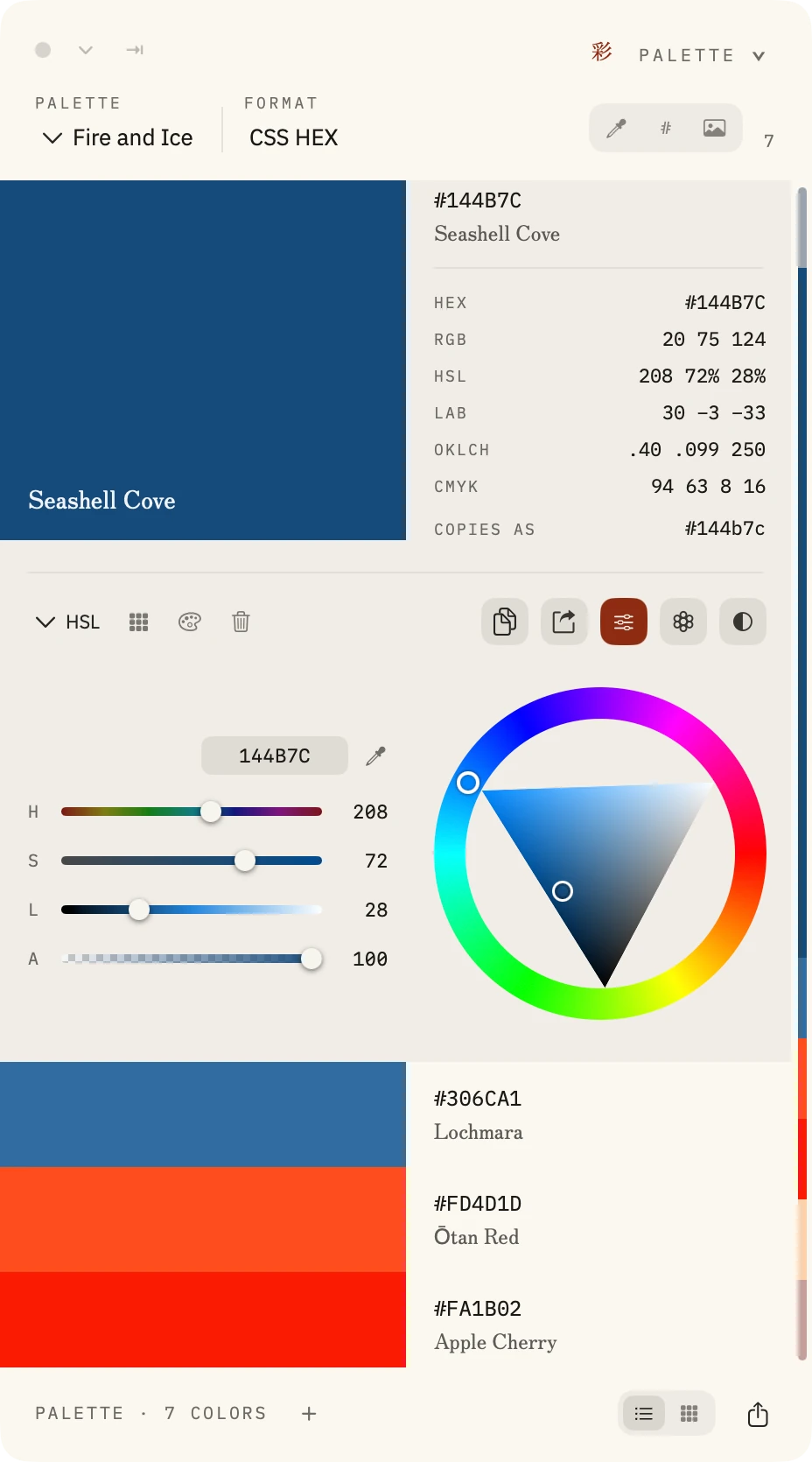
Suisai is a native macOS color toolbox for designers, developers, and anyone who works regularly with color. It brings screen sampling, photograph extraction, palette creation, color harmonies, spectral pigment mixing, accessibility checking, and a searchable palette library into one application.
Built with privacy in mind, Suisai processes colors and images locally, without accounts, analytics, or tracking.
The long version
Suisai brings together the tools used to collect, create, evaluate, and reuse colors across different applications and projects.
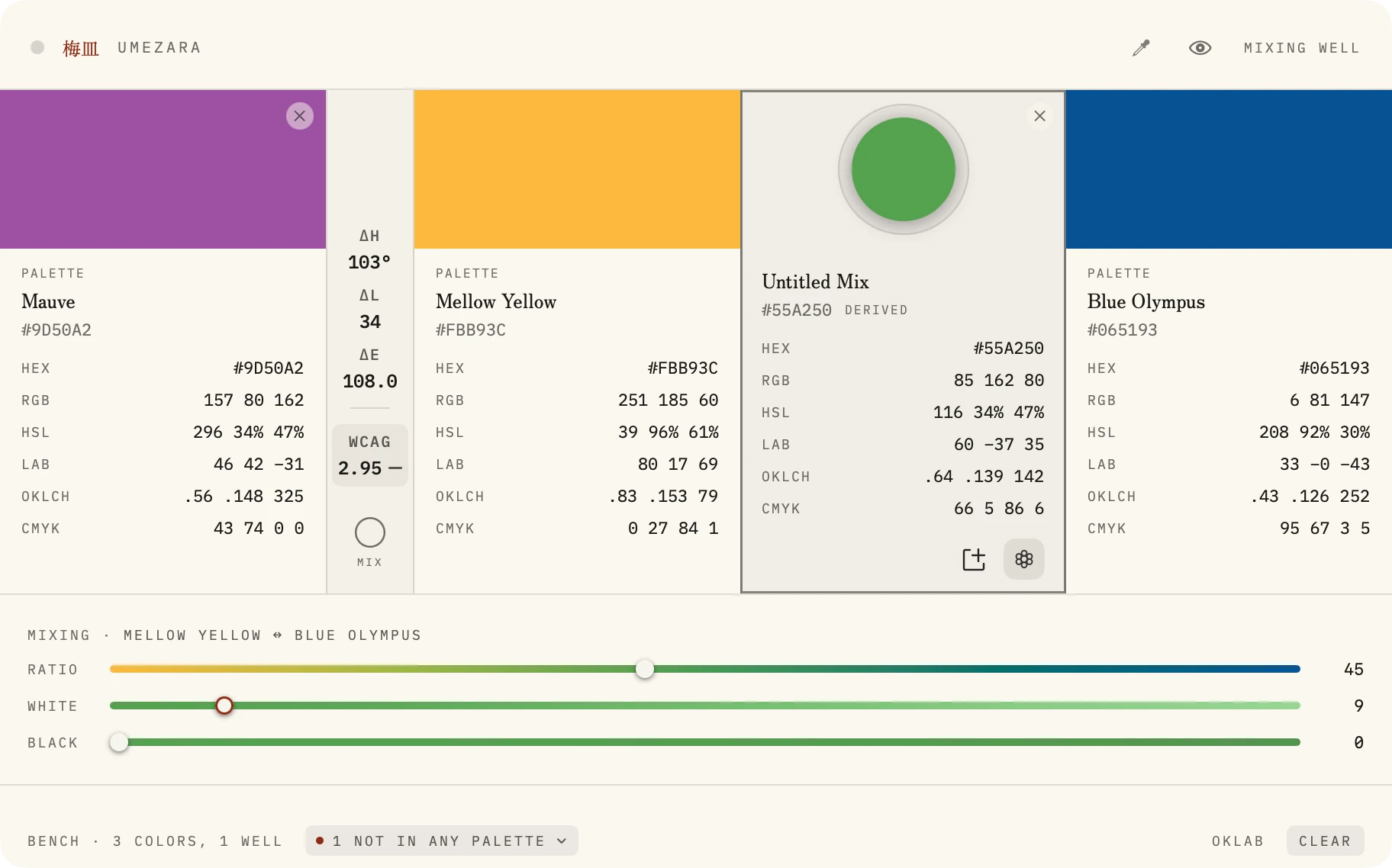
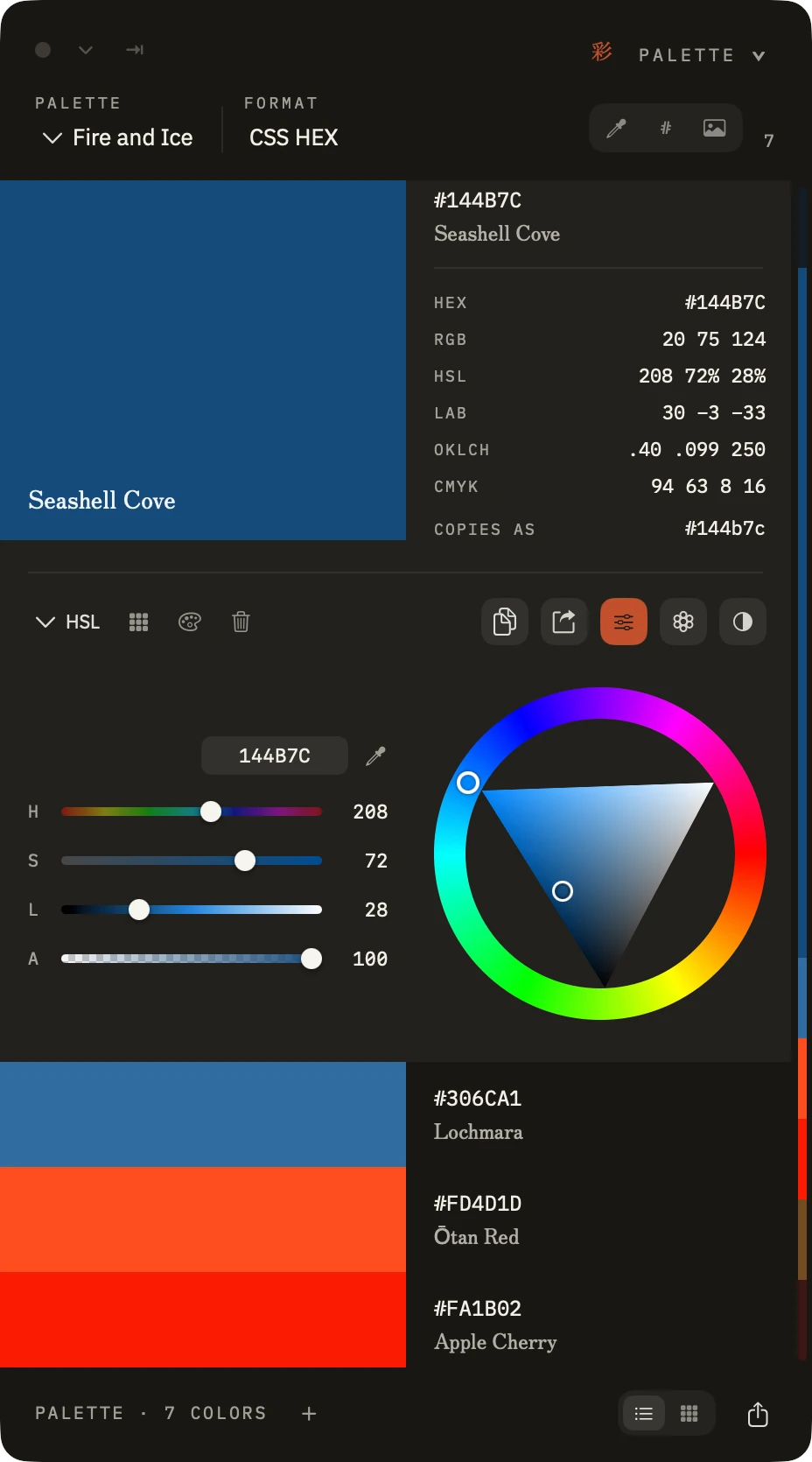
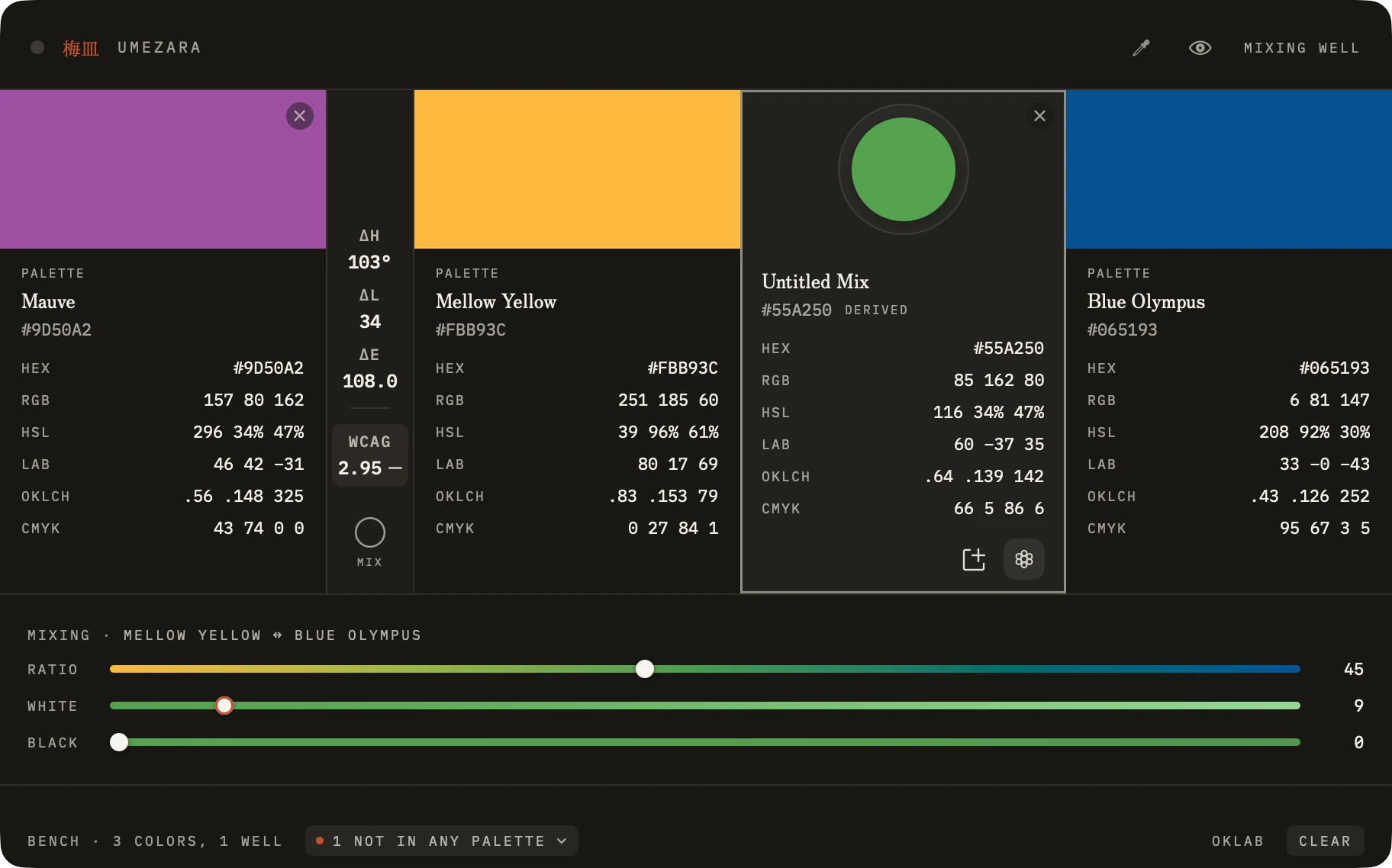
Sample colors from anywhere on your Mac without Screen Recording permission, or extract palettes from photographs using three different methods. Create and edit palettes with RGB, HSB, HSL, and CMYK controls; explore color harmonies and ramps; or compare and mix shades using the Color Bench's spectral pigment model.
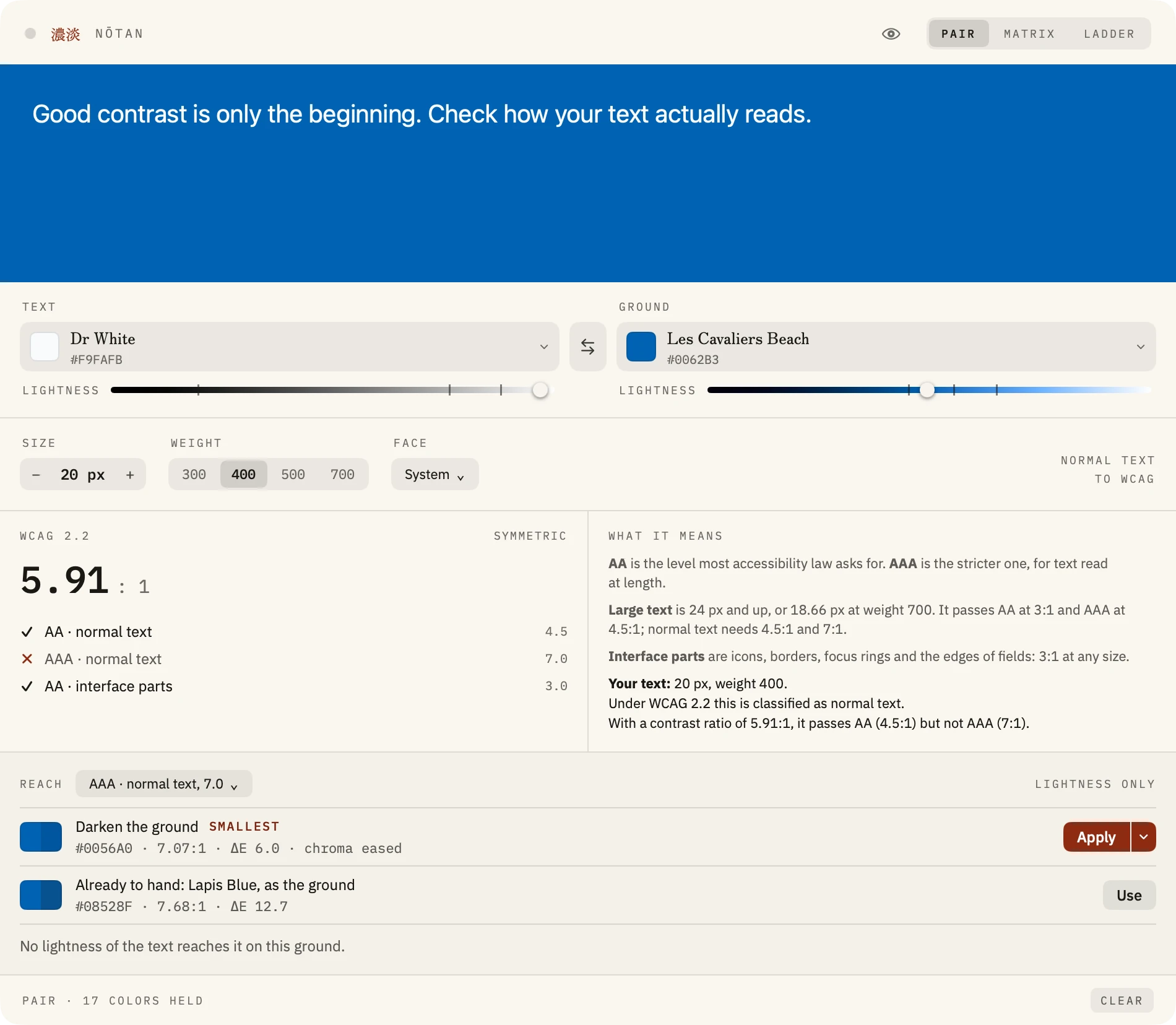
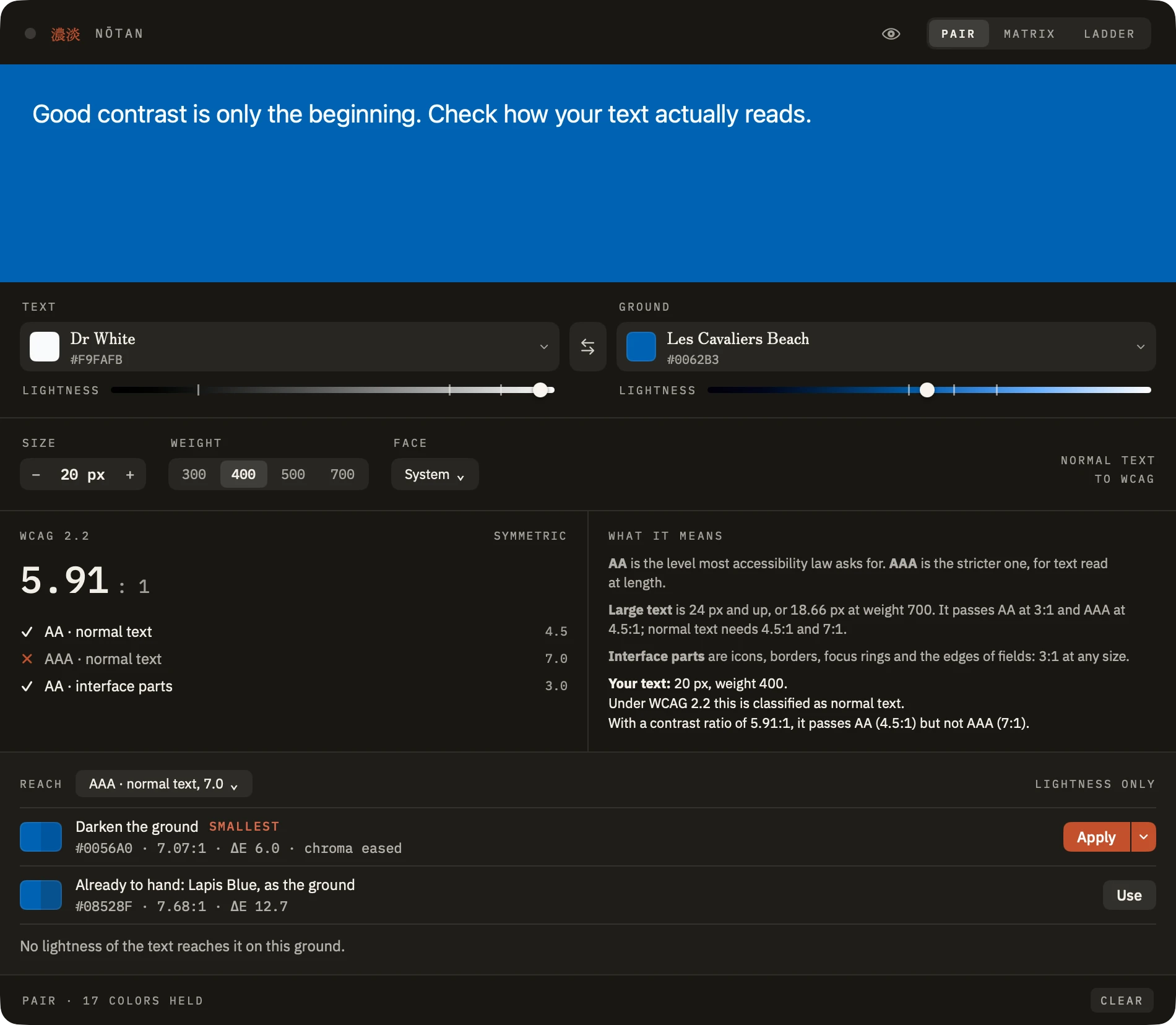
Version 1.1 introduces Nōtan, Suisai's WCAG 2.2 contrast checker, with Pair, Matrix, and Reach tools for evaluating and improving color combinations. It also adds four color-vision simulation modes.
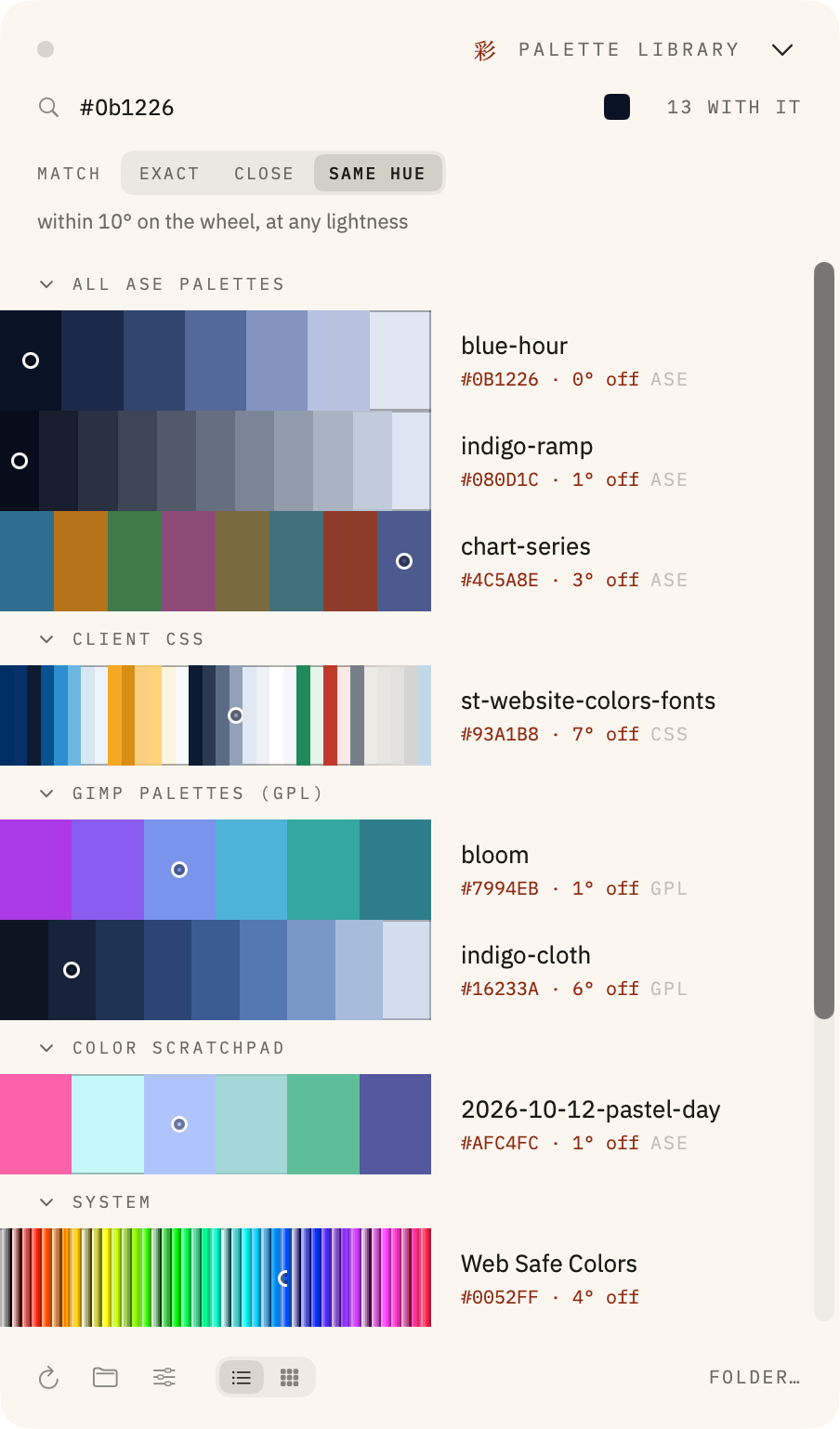
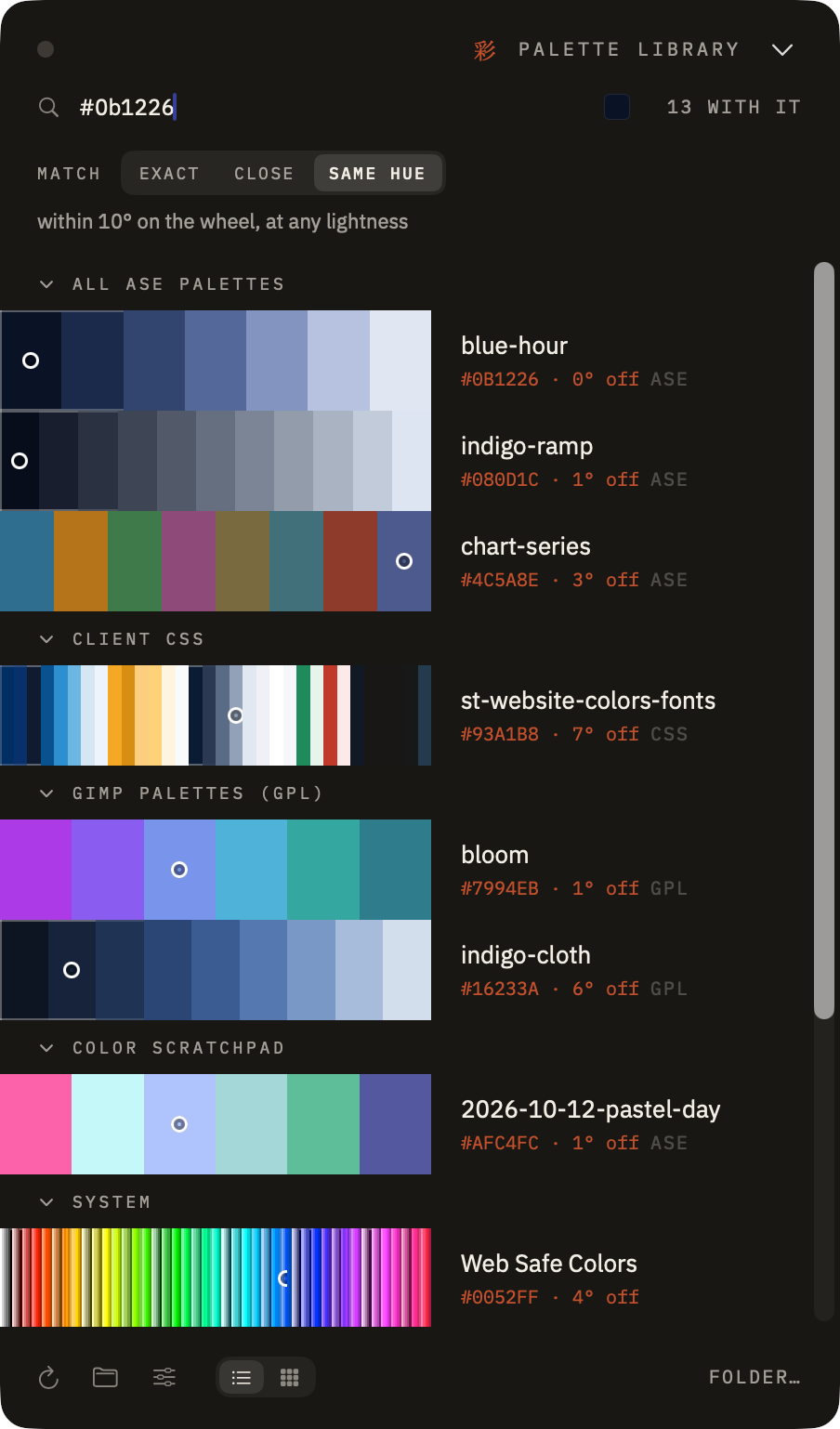
The Palette Library makes existing color collections searchable without moving them into a proprietary database. Suisai supports forty-three individual color code formats and thirteen whole-palette export formats, making it straightforward to use colors in design applications, stylesheets, and code.
Suisai's interface is designed to keep the focus on your colors, rather than drawing attention to itself. Its tall, narrow palette windows and Palette Library take inspiration from tanzaku, the vertical strips of paper traditionally used in Japanese art and poetry. This compact form allows palettes to remain visible alongside other applications without occupying unnecessary screen space.
The two interface themes extend that philosophy. Washi, the light theme, uses warm, paper-like tones rather than stark white, while Sumi, the dark theme, draws on the softer appearance of ink rather than pure black. Together with restrained controls and typography, these choices create a workspace where the colors you're working with remain the most prominent elements.
Suisai is a one-time purchase for macOS, with no account, subscription, or usage tracking.
Suisai in a table
| Detail | Information |
|---|---|
| Product | Suisai (水彩) |
| Category | Color toolbox / design and development utility |
| Platform | macOS 14 Sonoma or later |
| Current version | 1.1 |
| Architecture | Universal — Apple silicon and Intel |
| Developer | Suisai Design, Queensland, Australia |
| Price | US$19.99, one-time purchase |
| Distribution | Mac App Store and direct purchase |
| License | Personal license; no subscription |
| Privacy | No accounts, analytics, or tracking |
| Website | suisai.design |
| Contact | support@suisai.design |
Why Suisai?
Suisai (水彩) is the Japanese word for watercolor, written with the characters for water (水) and color (彩).
The name reflects the application's approach to working with color: collecting shades from the world around you, combining them, experimenting with their relationships, and creating palettes for your own work.
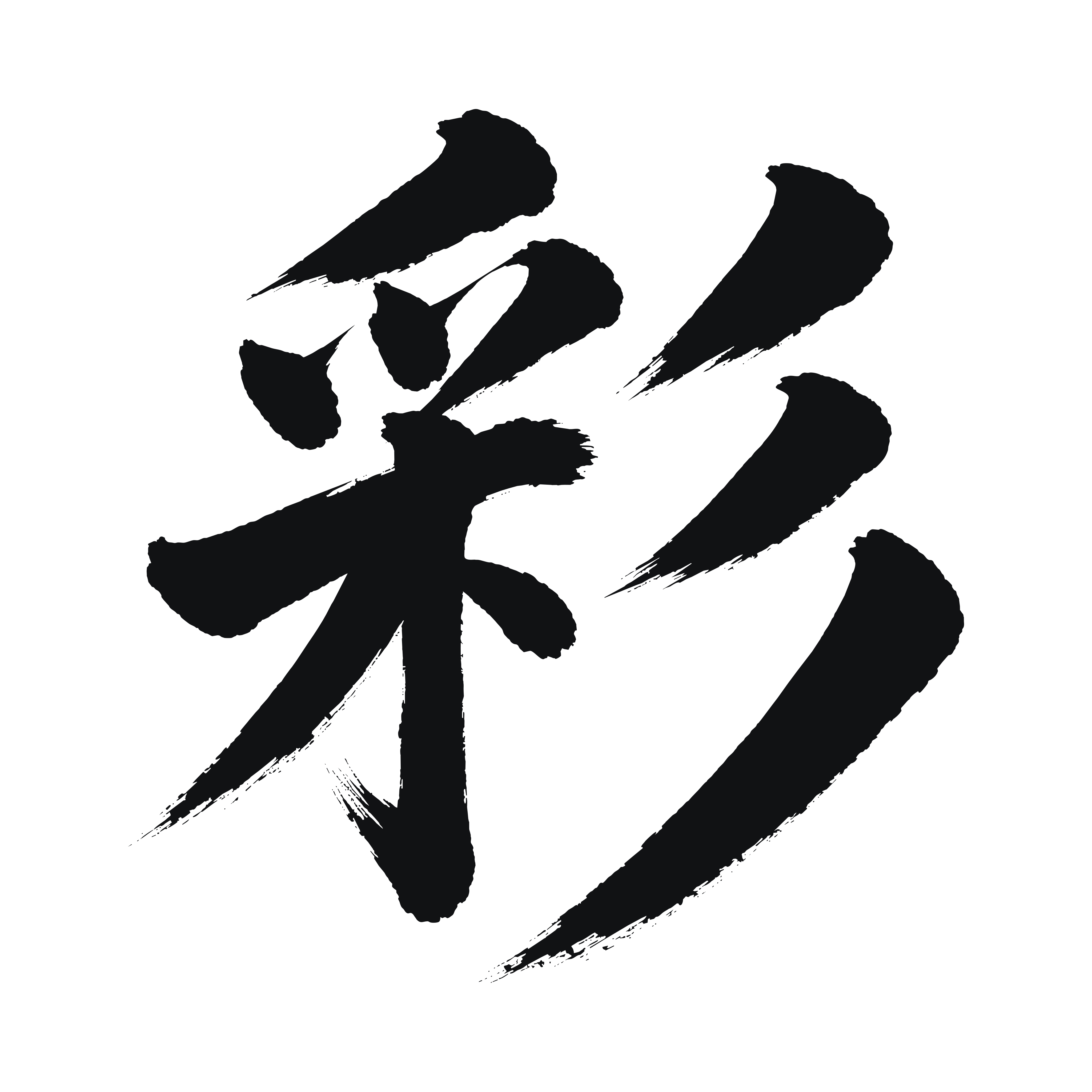
The application's mark uses 彩 (sai), the character for color. Its two visual themes also draw on Japanese terminology: Sumi (墨), meaning ink, for the dark theme, and Washi (和紙), Japanese paper, for the light theme.
Who makes it
Suisai is developed independently in Queensland, Australia.
My interest in Japanese language and culture goes back to studying Japanese at Griffith University, followed by postgraduate study in cross-cultural communication. Japanese art, architecture, and craftsmanship have remained lasting influences on my design interests.
That influence is reflected in Suisai's name and visual identity, although the application itself is developed for designers and developers working across many different disciplines.
I try to use the Japanese terminology carefully and welcome corrections where I've misunderstood something.
Getting in touch
For product questions, screenshots, review inquiries, or additional material: